Direct your sound
Describe genre, mood, tempo, vocals, instruments, and production style.
AI song generator online
Turn ideas into studio-grade tracks and songs with Gemini AI music generation.
Make a song draft, explore a soundtrack for your video, or try a different arrangement from your own brief.
Music Studio
Artist names in your prompt may cause generation to fail due to copyright restrictions.
Up to 30 seconds · Up to one free preview every 24 hours · Full song requires paid credits
Original examples made for GeminiMusic. Use a template, then add your own direction.
Describe the sound and lyrics you want to generate.
Lyrics-to-music and instrumental modes
Free previews · Paid full songs and downloads
Persistent audio history for signed-in users
A clearer starting point
Describe genre, mood, tempo, vocals, instruments, and production style.
Write your own lyrics, generate lyrics from the prompt, or create an instrumental.
Preview your idea, then unlock the same full song as an MP3.
Create music for videos, songs, podcasts, and campaigns with context.
Generate from the browser on phone, tablet, or desktop.
Return to finished tracks from your signed-in music history.
Make a direction, not a guess
Describe the scene, add lyrics, and create a preview of up to 30 seconds. Unlock the original for full playback and download.
Generate in Studio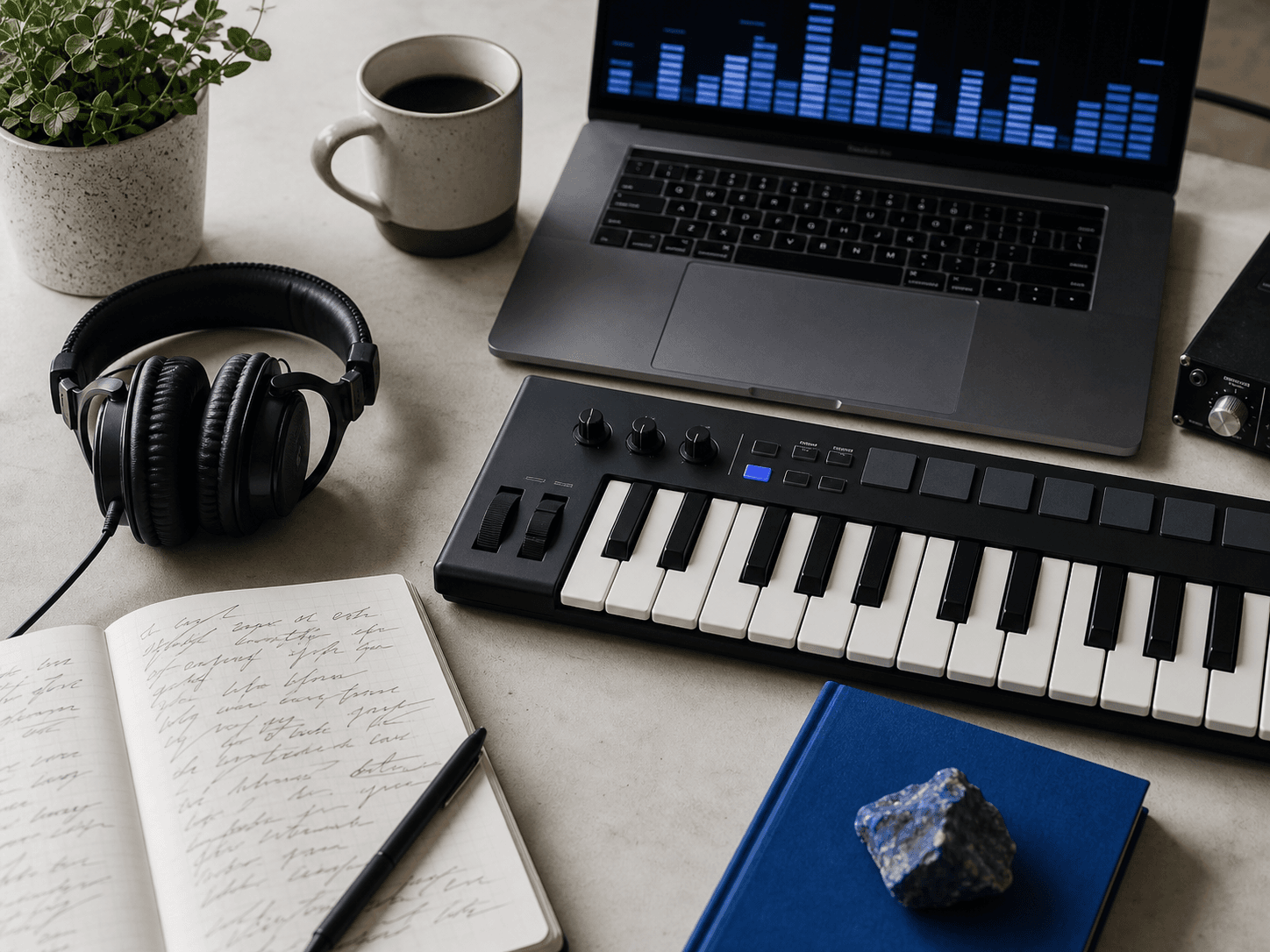
Write what the track should make someone feel and where it will be heard.
Choose vocal or instrumental mode, then set the output quality.
Wait for the audio to finish, then play it from Studio or your history.
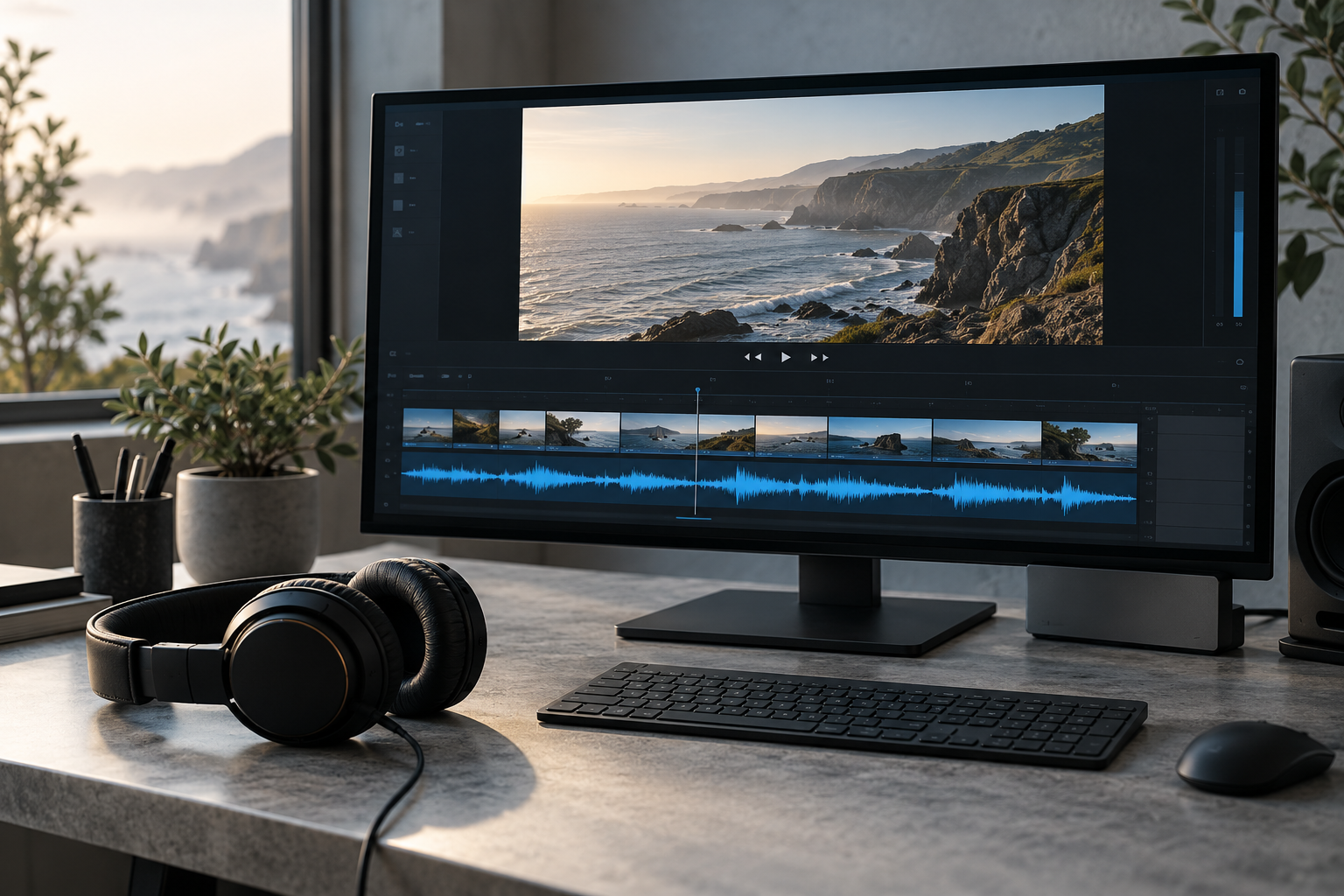
Every track you generate or unlock with paid credits comes with a permanent commercial-use license. Your license remains valid after your subscription ends.
Simple pricing
Cancel anytime. Paid credits roll over monthly; Free credits reset every 24 hours.
A free music preview uses 4 free credits. A full generation or original-song unlock uses 4 paid credits. Song allowances assume all credits are used for music; lyrics and covers share your balance. Track length and vocals depend on your brief and the model.
Up to one 30-second preview every 24 hours
Full playback and downloads require paid credits
Free
Start here
Up to 50 full songs or unlocks/month
For song drafts and a few arrangement options
$11.99/month
Up to 150 full songs or unlocks/month
For concentrated sessions with many directions
$29.99/month
A free music preview uses 4 free credits. Full generation or unlocking an existing original uses 4 paid credits. The separate lyrics tool uses 1 credit and an AI cover uses 6. Trying a new arrangement creates a new generation.
Annual plans are paid once per year. Creator adds 200 credits each month; Studio adds 600 each month. Unused paid credits roll over.
You can manage or cancel your subscription through the billing portal. Paid credits already granted remain available. Canceling does not automatically refund the annual payment.
The app shows whether the reserved credits have been returned. If the return is still being checked, you can contact support with your record ID.

Built for the work around music
Use a prompt as a starting point for a lyric session, a creator soundtrack, a campaign concept, or a private song sketch. You keep the perspective. GeminiMusic helps organize the direction.
Questions
Yes. With GeminiMusic, you can generate vocal tracks or instrumentals from lyrics and detailed music prompts online.
Gemini Music Studio is an online AI music generation interface designed to turn lyrics and musical style descriptions into ready-to-use audio directions fast.
Enter lyrics and a style prompt with genre, BPM, vocals, and mood, choose the audio settings, then select Generate music.
Sign in to create a free preview of up to 30 seconds. Full playback and downloads require paid credits. Free credits refresh every 24 hours and are shared with lyrics.
Yes. Manage or cancel an active subscription through the billing portal. Paid credits already granted to your account remain available.
Your prompt, lyrics, settings, generation status, and result link are stored so your signed-in account can access its music history. Do not enter sensitive personal, private, or confidential information.