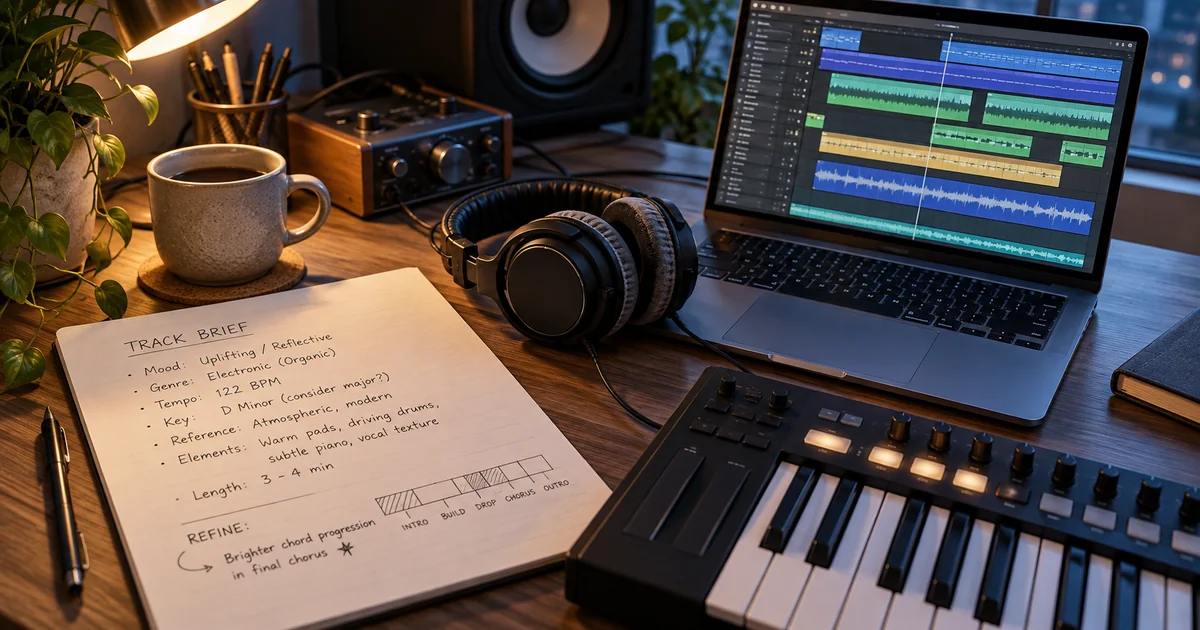
Use a Gemini music generator to turn a written idea into audio. Learn how to write clear prompts, choose vocals or instrumentals, and improve your track.
This guide is for video creators, songwriters, and anyone who needs a music draft they can evaluate. Start with the job the track must do: support spoken narration, carry a lyric, or set the mood for a scene.
What is a Gemini music generator?
Google Gemini's music generator creates audio from a description using Lyria. Google's music generation help explains how to open Create music, enter a prompt, and download a track. GeminiMusic is a separate, independent music workspace. It is not affiliated with Google or Google Gemini.
The distinction matters when following instructions. Google's account requirements and generation limits apply to Gemini Apps. GeminiMusic has its own Studio controls, sign-in flow, and credit system. Check which service you have open before choosing settings or comparing results.
How to write a Gemini music generator prompt
Describe the sound you need with details you can hear and review. A useful prompt includes the purpose, genre, tempo, instruments, vocal direction, and arrangement. Avoid stacking unrelated genres or asking for every instrument at once. A smaller brief makes the next revision easier to judge.
Use this original example for a narrated travel video:
Create a relaxed instrumental for a coastal travel video. Use warm acoustic guitar, soft bass, and light percussion at around 90 BPM. Keep the melody sparse so narration stays clear. Start gently, add energy in the middle, and finish with a quiet ending.
Each instruction has a purpose. The tempo describes pacing. The instruments define the sound. Sparse melody leaves room for speech. The ending tells the generator how the track should resolve. These are requests, not guarantees that every generated detail will match.
For a vocal song, replace the narration instruction with a subject and delivery: “Original lyrics about returning home, with an intimate lead vocal and a hopeful chorus.” Keep the emotional direction consistent across the prompt.
Turn your brief into a GeminiMusic draft
For a separate browser workflow, open geminimusic, then go to Studio. Choose your own lyrics, auto-generated lyrics, or Instrumental mode. Add the style prompt and select the available audio output settings before generating. Sign in and check your credit balance before starting a new draft.
If the words need work first, use the AI Lyrics Generator. Shorten crowded lines and make the chorus idea clear before generating audio. For background music, choose Instrumental so lyrics do not compete with the message of your video or presentation.
Improve the track with one focused revision
Listen to the draft alongside the content it will accompany. A track can sound good alone and still distract from narration. Check the opening, the busiest section, and the ending. Write down the single mismatch that matters most before changing the prompt.
If the backing feels crowded, request fewer instruments. If the chorus lacks contrast, ask for stronger drums there. Keep the remaining instructions stable. Compare both versions against the same scene, and save the prompt that produced the more useful result.
Frequently asked questions
Can a Gemini music generator create instrumentals?
Yes. Google's music controls include a vocals choice, and GeminiMusic Studio has an Instrumental mode. Describe the instruments and leave space for any speech your project includes.
Is GeminiMusic the same as Google Gemini?
No. GeminiMusic is an independent service with its own workspace and credits. Use Google's documentation for Gemini Apps and this site's controls for GeminiMusic.
Why does my generated music differ from the prompt?
Generation interprets your description rather than following a fixed score. Simplify conflicting instructions, identify one audible problem, and generate another draft with a focused change.