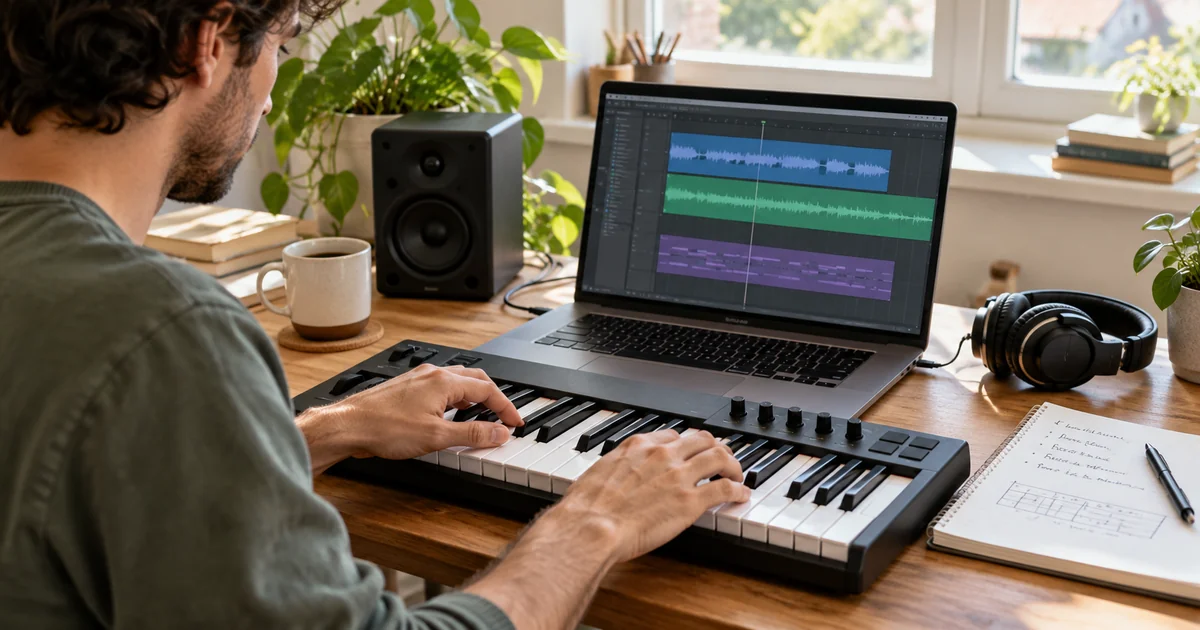
To generate music with Gemini, start with a clear brief. This Gemini music guide shows how to choose a mode and make a track with geminimusic.
The prompt is the first production decision. One genre word leaves too much open. Add the scene, tempo, instruments, vocals, and emotional movement so the result gives you something to compare and improve.
What is gemini music?
Gemini music can mean AI-assisted music creation or a tool that turns a written idea into audio. Here, GeminiMusic means this site's independent online music workspace, not an official Google Gemini product. Studio combines a style prompt, lyrics, track mode, audio settings, and generation.
The difference between a topic and a brief matters. “Make a pop song” leaves too much open. “Bright 104 BPM pop about moving to a new city, with tight drums, warm bass, electric guitar, and a layered chorus” gives you choices to review.
If you mean Google's own product, read the separate Google Gemini music guide. This article focuses on creating music with GeminiMusic Studio.
How to generate music with Gemini
Use this workflow for a first track:
- Open Studio: Go to GeminiMusic Studio.
- Write the style prompt: Describe the genre, mood, BPM, instruments, vocals, and use.
- Choose a track mode: Use your own lyrics, Auto-generate lyrics, or Instrumental mode.
- Set the audio output: Choose MP3, WAV, or PCM, then set bitrate and sample rate.
- Generate the music: Select Generate music. Signed-in users can revisit finished tracks in history.
Write a gemini music prompt with a clear shape
A useful prompt describes the track's job and sound. State the use case, main genre, tempo, two or three instruments, vocal texture, and energy change.
Try this structure:
Create a [genre] track at [BPM] for [use case]. Use [instruments] and [vocal direction]. Start [quiet or energetic], build through [section or change], and finish with [ending].
Concrete sounds such as “muted kick, warm bass, close vocal, wide final chorus” are easier to revise than “beautiful, powerful, emotional music.”
Choose vocals or instrumental music
Use lyrics mode when the words carry the story. Add original lyrics, mark sections such as [Verse] and [Chorus], and describe the delivery. If you need words first, use the AI Lyrics Generator, then bring them into Studio.
Choose Auto-generate lyrics when you have a theme but no finished words. Describe the subject and chorus idea. Choose Instrumental for a video, podcast, presentation, or voice-over that needs space for speech.
Generate and refine your Gemini music track
Treat the first result as a draft. Listen for the main mismatch, such as pacing, instrument balance, lyric clarity, vocal delivery, or chorus energy. Revise that one instruction and keep the rest of the prompt stable.
Use lyrics, recordings, and images that you own or can use. Describe musical qualities instead of copying a protected song or named artist's voice. Before publishing or monetizing audio, review the terms for your account and use case.
Frequently asked questions
Can I generate instrumental music with GeminiMusic?
Yes. Open Studio, select Instrumental, describe the mood, tempo, instruments, and use case, then generate the track without lyrics.
Do I need finished lyrics to generate music?
No. You can add your own lyrics, use Auto-generate lyrics from a clear brief, or choose Instrumental mode when words are not needed.
What should I include in a gemini music prompt?
Include the use case, genre, mood, BPM or tempo, key instruments, vocal direction, and the energy change you want from the opening to the ending.
Is GeminiMusic the same as Google Gemini?
No. GeminiMusic is an independent online music workspace. It is not affiliated with Google, Gemini, or Google's music-generation products.
Open GeminiMusic Studio when you are ready to turn a written direction into your next track.