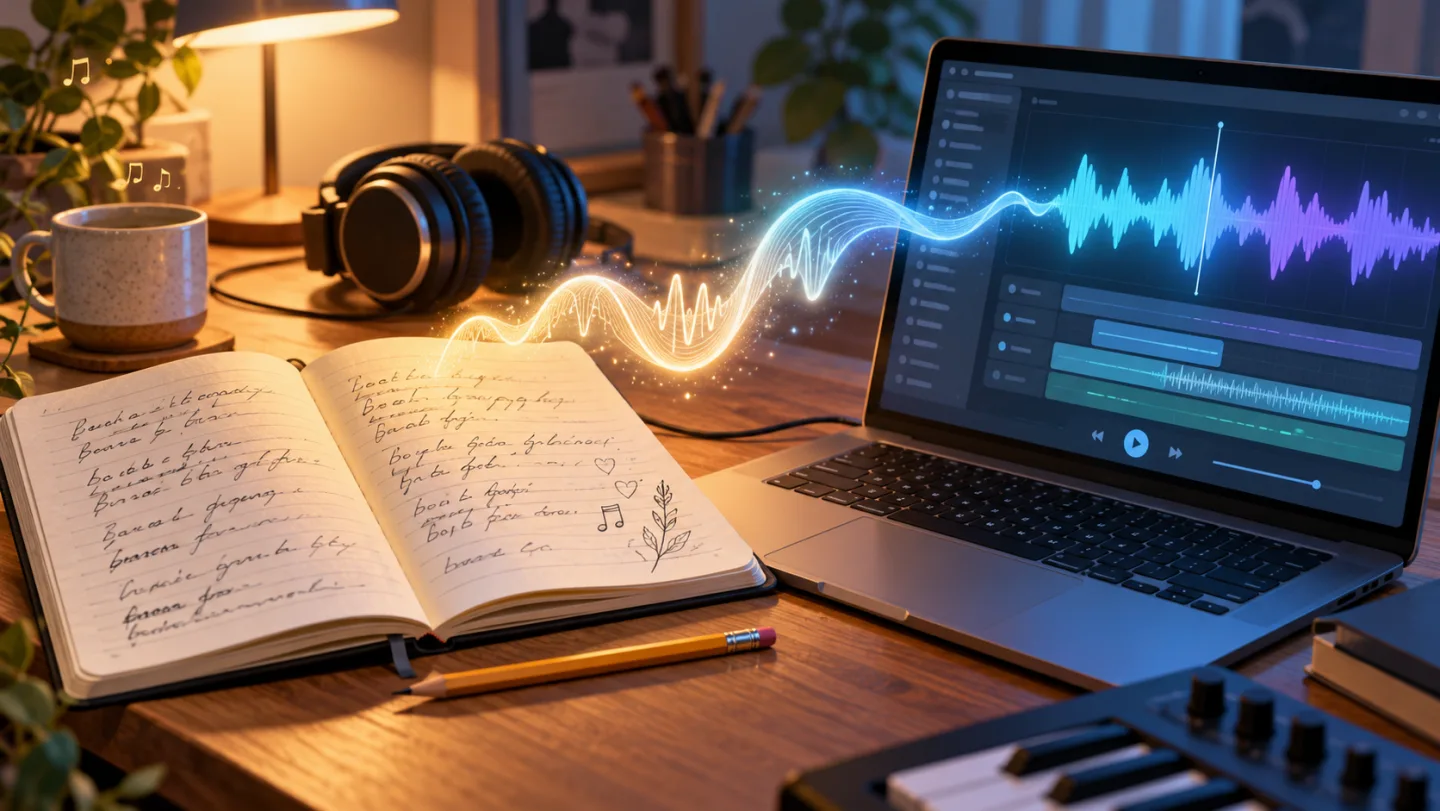
Use song generator AI to turn original lyrics into a song draft. Learn to choose a vocal mode, describe music, and review the result in GeminiMusic Studio.
Written lyrics can read well and still feel crowded when sung. For songwriters and video creators, an audio draft helps reveal awkward phrases before you spend time recording. Start with a short lyric, give the music a clear direction, and listen for one specific problem.
What is song generator AI?
Song generator AI is software that creates music from text instructions. Depending on its features, it can combine supplied lyrics with generated vocals and accompaniment, write words from a theme, or produce an instrumental. A lyrics generator returns text; a song generator gives you audio to evaluate.
Treat the output as a draft. Supplying words does not guarantee exact pronunciation, melody, or section timing. Your first listening task is to check whether the performance carries the meaning you intended.
Prepare lyrics that leave room for a melody
Choose one scene and one emotional change. A song about packing the last box before a move has concrete details to work with. Write the verse around those details, then let the chorus express what changes.
Here is an original chorus draft you can adapt:
I leave the porch light in the rain
And take the morning's empty train
The town grows small beyond the glass
I let the fields go rolling past
Read the words aloud at a steady pace. Shorten a line if it needs an unnatural rush. Similar phrase lengths can make a first draft easier to sing, but equal syllable counts alone do not ensure good phrasing.
Keep production notes separate from performed words. “Soft piano and restrained drums” describes the arrangement; it should go in the style brief. Save your original lyric before experimenting so you can identify changes in the generated performance.
Give an AI music generator an audible brief
Describe the sound in terms you can check while listening. Include a genre, an approximate pace, the main instruments, and vocal delivery. Explain how the chorus should differ from the verse.
For the moving-away lyric, try this example brief:
Reflective indie pop, approximately 96 BPM. Soft piano, rounded bass, restrained drums. Intimate lead vocal with clear words. Keep the verse quiet and give the chorus warmer harmonies and a fuller arrangement.
This is a writing example, not a tested audio result. The tempo and arrangement are requests rather than exact controls. If the generated chorus feels too busy, simplify that instruction before adding more instruments or changing the whole song.
Decide how you will judge the draft before generating. For this example, check whether every chorus line is understandable and whether the fuller accompaniment supports the voice. A clear listening goal makes revision more useful than asking for a generally “better” song.
Turn lyrics into a song in GeminiMusic Studio
The GeminiMusic AI music generator offers a browser workspace for vocal and instrumental drafts. GeminiMusic is an independent service, separate from Google's Gemini app. Open GeminiMusic Studio and choose the workflow that matches the material you already have.
| Your starting point | Studio setting | What to enter |
|---|---|---|
| Original lyrics | Instrumental off; Auto-generate lyrics off | Words in Lyrics; sound instructions in Style prompt |
| A topic or story | Auto-generate lyrics on | Theme and musical direction in Style prompt |
| Background music | Instrumental on | Instruments, mood, and arrangement in Style prompt |
For your own lyrics, follow these steps:
- Paste a short verse and chorus into Lyrics.
- Enter the musical brief in Style prompt.
- Check Output and the displayed credit requirement, then select Generate music. Sign in when prompted.
- Follow Render status. When generation succeeds, listen to the track and compare it with your saved words.
Studio accepts up to 3,500 lyric characters and 2,000 style-prompt characters. It displays the render cost before generation and saves successful tracks to your history. Auto-generate lyrics disables the manual lyric field. For a separate text draft you can edit first, use the AI Lyrics Generator.
Revise the first mismatch you hear
If a line rushes, shorten that phrase before changing the arrangement. If the accompaniment covers the vocal, request fewer layers. Change one main variable, then compare the next draft against the same listening goal. Keep the earlier prompt so you know what changed.
Frequently asked questions
Can song generator AI sing my own lyrics?
Tools with a lyrics input can create vocals from supplied words. In GeminiMusic Studio, switch off Instrumental and Auto-generate lyrics, then enter your draft. Check the recording for altered words and pronunciation.
Can I generate music without lyrics?
Yes. Select Instrumental in Studio and describe the instruments, mood, and arrangement in Style prompt. The manual lyrics field is disabled in this mode.
How do I improve an AI-generated song?
Identify the first unclear lyric or musical mismatch. Revise that phrase or instruction, then generate another draft. Open Studio with one short chorus and the example brief above to start your comparison.